No, you only need to tell DLM about your claim. You do not need to call us to let us know.
My vehicle is undriveable, what should I do?
If your vehicle is undriveable after an accident, please contact RAC on 0800 73 111 73.
They will take your vehicle to a DLM repairer and arrange onward transport for you.
If you lease a scooter or powered wheelchair, you should contact Motability Assist, provided by Autohome, on 0800 953 5000.
How can I check my drivers?
If you want to check who is insured on your vehicle, the quickest way to do this is in the DLM insurance portal, accessed through your Motability Scheme online account.
You can add temporary or permanent drivers and remove any current drivers using your account too.
If you want to remove a driver, but may need to re-add them in the future, you can now choose to ‘deactivate’ them rather than delete them.
This means their details will be saved, so you will not need to enter them again when you re-add them as a driver.
We’ve created some short video tutorials explaining how to add, deactivate and re-add a driver in the DLM Portal. You can watch them here(opens in a new window).
Where can I see my policy documents?
You can download the latest version of your Insurance Cover Booklet and Policy Schedule in your DLM insurance portal, accessed through your Motability Scheme online account. You can also download your Certificate of Motor Insurance if you lease a car or Wheelchair Accessible Vehicle (WAVWheelchair Accessible Vehicle).
To do this, go to the ‘Policy Summary’ section.
All insurance certificates are available online, so sign in to your online account to download or print a copy.
If you previously had an open insurance policy or a business policy with RSAM, this will also have transferred to DLM automatically. You can view this in the ‘Policy Summary’ section too.
How can I check my details are up to date?
All the details of the DLM insurance policy are available in the DLM insurance portal.
This includes your personal details, cover details and information about your vehicle.
If you need to change any personal details, such as your address or contact information, you can do this in the ‘Change my details’ section.
Any changes will automatically update on our records too, so you do not need to let us know.
How do I check my previous claims?
DLM have the details of your previous claims, which you can check in the DLM insurance portal.
Can I contact DLM online?
Yes, you’ll find the answer to most questions on the DLM Virtual Assistant.
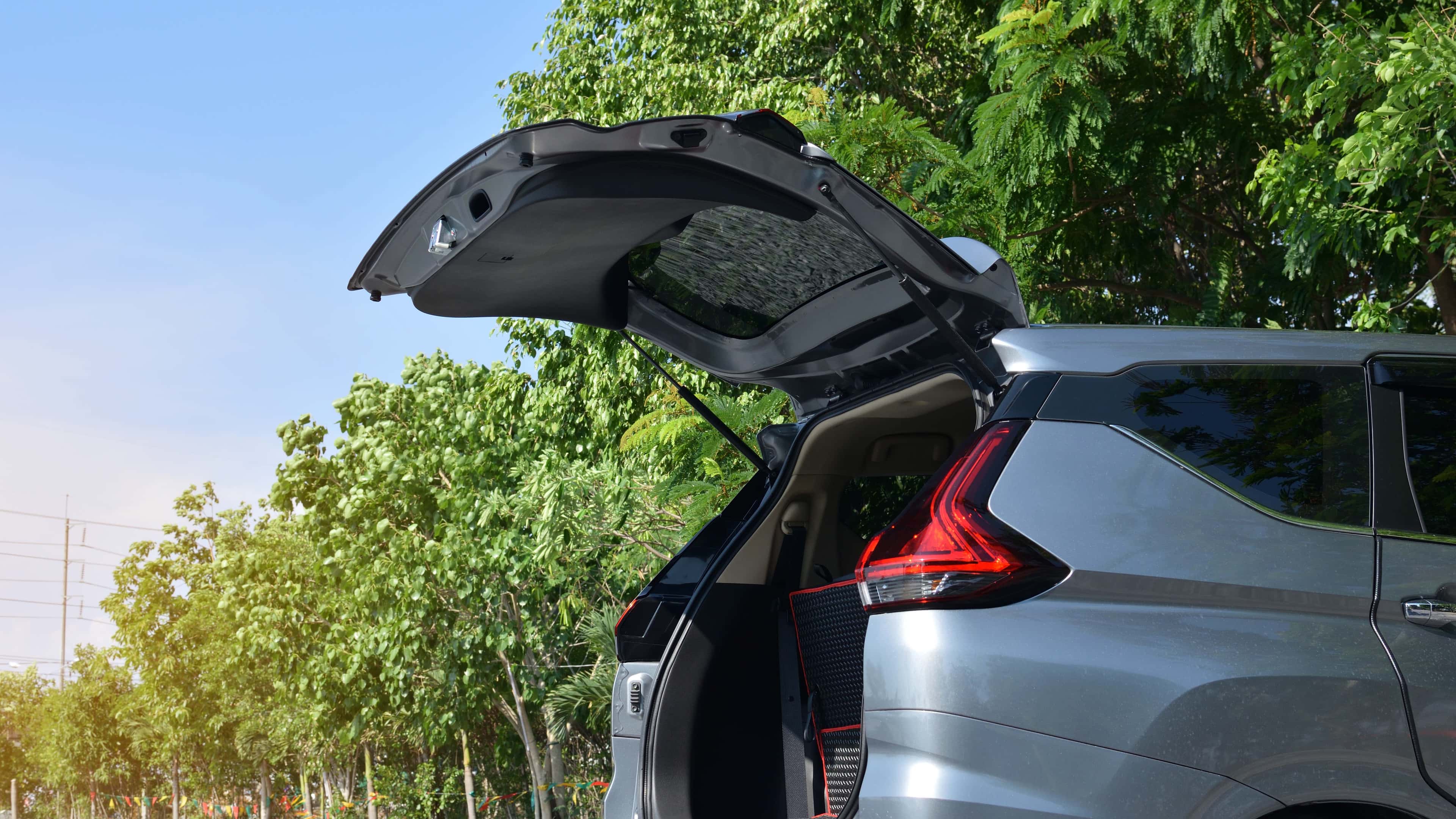
Load your everyday items with less effort. A car with a low boot lip can make a meaningful difference to how you store your equipment each day, especially when you’re lifting heavy mobility equipment.
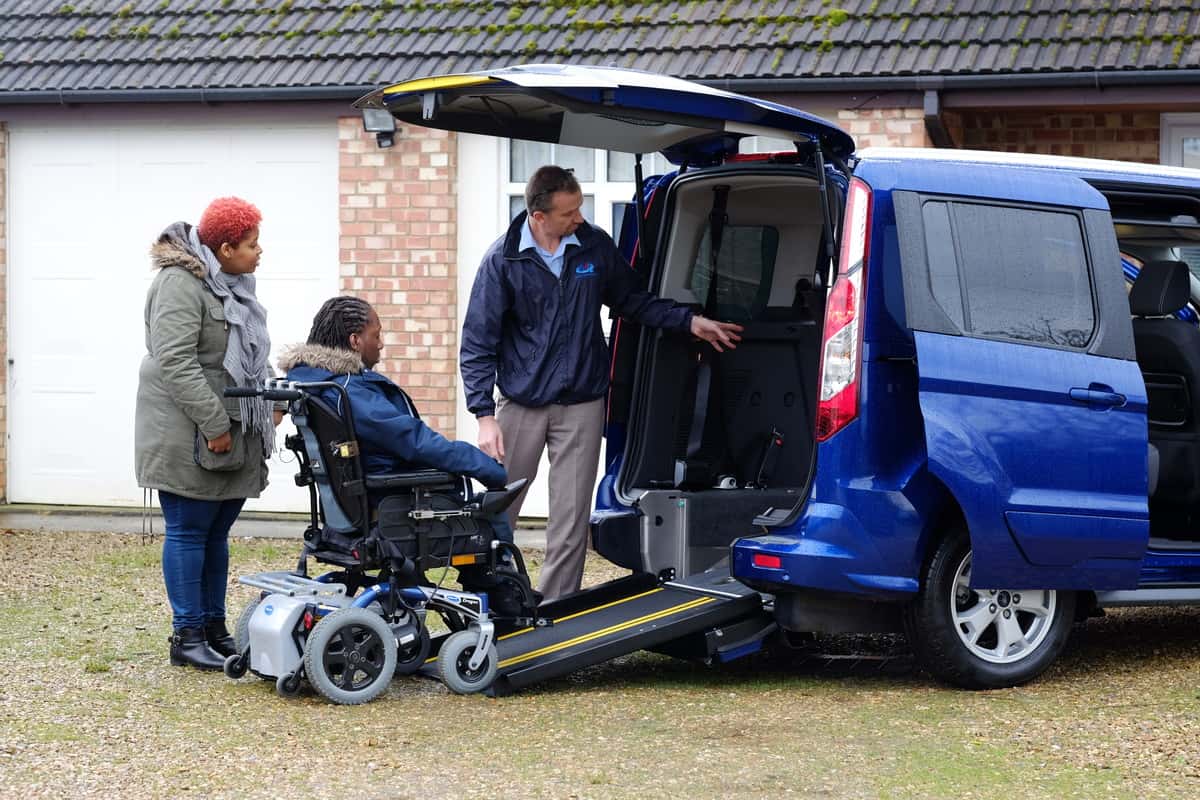
Reliable, accessible transport can be the difference between finding work and missing opportunities. A Wheelchair Accessible Vehicle (WAV) could give you the opportunity to drive. independence to attend college and go to work.